
A useful AI project starts with a job: organize a source collection, prepare a customer quote, find the right procedure, or turn a document into checked fields. Start small enough to understand every step, then add the connections and operating practices the work needs.
Build with AI is a practical route from that first idea to a system somebody can use and maintain. Explore examples, learn how the components fit, and follow a build suited to your situation.
On this page
Choose your starting point
The same idea changes as more people, systems, and responsibilities become involved. Pick the setting closest to yours; each path includes a worked example and explains how it changes at another scale.

Individual · Starter build
Build for yourself
Create a source-backed notebook and turn your own research into a useful deliverable.

Small business · Connected workflow
Put AI to work in a small business
Prepare quote drafts from customer inquiries while keeping pricing and commitments reviewable.

Medium business · Shared operations
Connect a growing team
Coordinate onboarding across HR, managers, IT and facilities with clear case ownership.

Enterprise · Architecture and operations
Build an operated enterprise service
Design knowledge retrieval around identity, current evidence and release criteria.
Understand the moving parts
A model produces a proposed answer or next step. Connected software supplies information and performs defined actions. A reusable skill describes how a task should be approached. The surrounding workflow decides what starts the work, what gets recorded, and how completion is checked.
These four guides connect the terminology to a concrete system. Read the connections guide first if the product names and extension terms have started to blur together.

Foundations
Plugins, connections and skills
Separate reusable instructions, executable tools and the access that connects them.

Agent mechanics
Inside an AI agent
Follow a task through tools, state, validation, evidence and completion.

Workflow design
Design a repeatable workflow
Specify triggers, inputs, steps, outputs, duplicates and exception routes.

Governance and operations
Own the outcome
Make responsibilities, evaluation and change procedures part of the build.
Try a practical build
These tutorials use fictional inputs and show the expected outputs, implementation steps, and failure paths. Their companion Python lab runs offline with the standard library. Simulated model suggestions make the mechanics visible; the local tests exercise the software checks.

Python lab · Synthetic tickets
IT ticket triage
Validate a proposed queue and urgency; escalate security signals and flag missing evidence.

Python lab · Fictional sources
An assistant for approved knowledge
Filter sources by access and current status, then retain evidence with the answer.
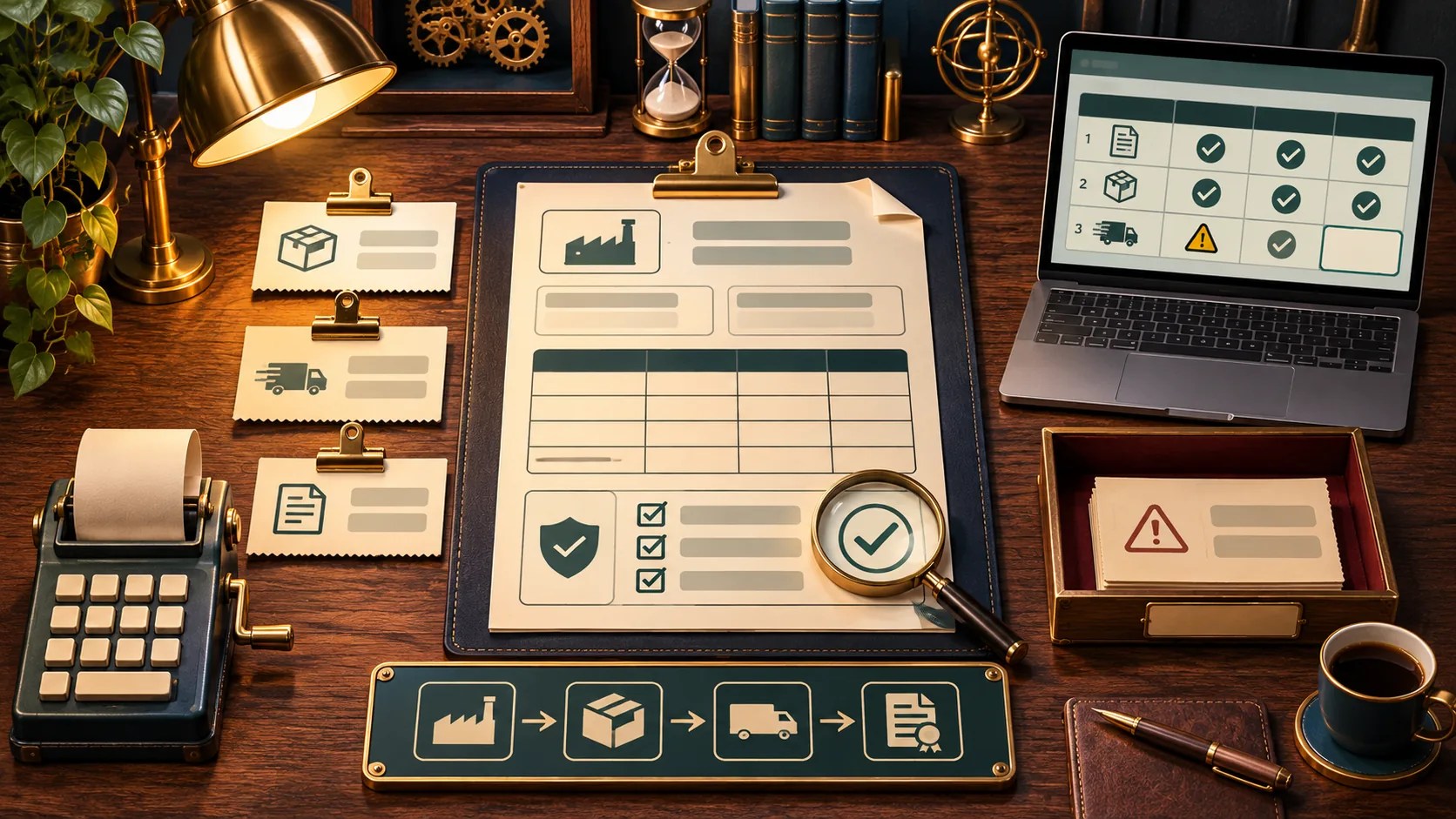
Python lab · Fictional documents
Documents into checked fields
Preserve source references, check totals and keep uncertain values visible.
Open the complete runnable field lab. Copy the complete source to build-ai-field-lab.txt and run python build-ai-field-lab.txt demo. The tutorial pages explain each demonstration and its limits.
Explore the work in your industry
Industry changes the information, systems, professional duties, and consequences involved. Organization size changes staffing, integration effort, and operating support. Use both lenses together.
A small clinic and a hospital may share an administrative problem while needing different access and deployment arrangements. A solo lawyer and an enterprise legal department also need different ways to manage matter information and review.

Industry guide
Healthcare
Explore administrative, knowledge and clinical boundaries through a referral-packet example.

Industry guide
Legal and professional services
Build a matter chronology with source evidence, explicit gaps and professional review.
Explore all fourteen industry guides, including IT and cybersecurity, education, finance, manufacturing, retail, energy, logistics, government, agriculture, research, marketing, and creative work.
Find an approach that fits the job
An existing assistant can help you understand and organize a small source set. A visual workflow can connect a predictable sequence across applications. A custom application provides more control over interfaces, state, and integration behavior. A specialized product may already address a demanding workflow.
Choose your stack compares those approaches through practical questions about data, skills, hosting, administration, operating costs, and portability. Use the platform guides for product-specific detail.
For ideas beyond the three starter labs, browse the project catalog. It includes websites, dashboards, small applications, research tools, and business workflows. Each entry makes clear whether the link opens a worked build or a platform starting point.
Make the first experiment useful
- Choose one output. Describe what a person should receive and how they will use it.
- Prepare a small fictional sample. Include an ordinary request, an incomplete request, and a case that should stop.
- Trace the steps. Identify where information comes from, what can change, and who checks the result.
- Run and inspect. Compare outputs with the sources. Record failed cases and the work needed to correct them.
- Name an owner. Decide who maintains instructions, data, access, tests, and the route for exceptions.
The goal of a first build is a visible, understandable result. The guides show how to improve it, how to measure it, and what additional work is needed before it becomes a service other people depend on.
Keep building
Next guide: What will you build?