
Start with something you want to exist: a useful website, a clearer dashboard, a checked document, or a business task that reaches the right person with less preparation. Then choose how much of the work AI should perform and what the surrounding system must guarantee.
The projects below offer several levels of commitment. Some begin inside an assistant you already use. Others need a workflow platform, code, or an operated service. Difficulty describes the integration and ownership involved; it is not a promise about how quickly a particular person will finish.
On this page
Explore twelve useful builds
Starter to intermediate · Platform starting point
A website for a real project
A responsive site with your own content and a reviewable deployment.
For: Individuals and small teams
Approach: Coding assistant plus HTML/CSS or the existing site framework
Inputs: An approved brief, copy, images, and navigation
Output: A working site preview
Intermediate · Platform starting point
A dashboard from a CSV
A small dashboard that makes a few important measurements easier to inspect.
For: Individuals and operations teams
Approach: Code with deterministic data calculations
Inputs: A clean, fictional or approved CSV and metric definitions
Output: An interactive dashboard with source totals
Intermediate · Platform starting point
A small utility application
A focused calculator, checklist, or file-organizing tool.
For: Individuals and technical builders
Approach: Coding assistant and a small application
Inputs: Example inputs, rules, and expected results
Output: A runnable utility with meaningful checks

Starter · Worked build
A research notebook
An evidence-linked comparison and a useful list of unanswered questions.
For: Individuals and independent professionals
Approach: Existing assistant; optional scripted validation
Inputs: A bounded packet of public or self-authored documents
Output: A versioned briefing and source register

Intermediate · Worked build
An assistant for approved knowledge
Answers from a small trusted collection with sources attached.
For: Teams and service desks
Approach: Source-grounded assistant or retrieval application
Inputs: Approved documents, versions, and access rules
Output: Answer, evidence, and unresolved questions
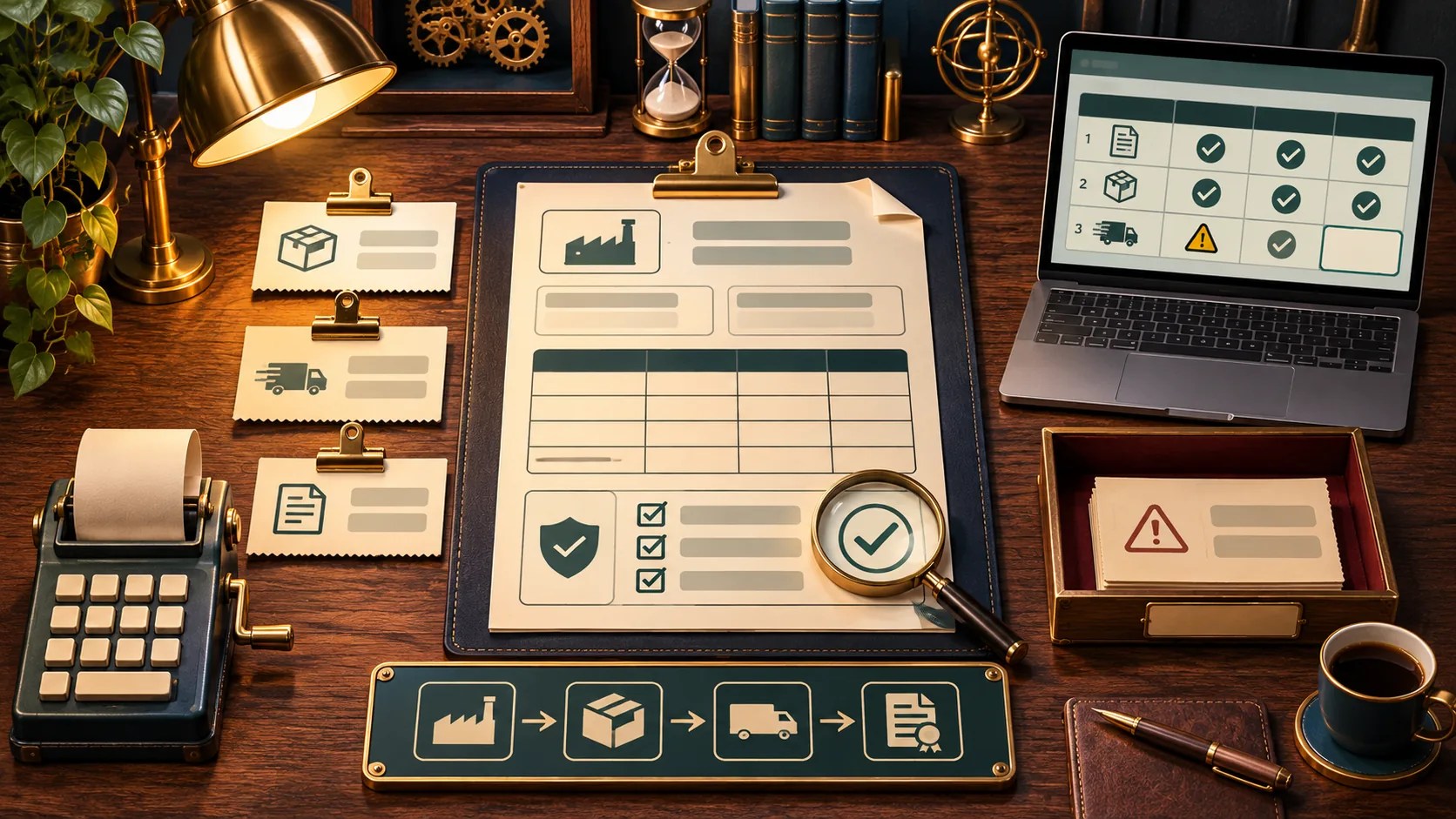
Intermediate · Worked build
Documents into checked fields
A reviewable record extracted from a document.
For: Operations and administrative teams
Approach: Workflow or code with schema validation
Inputs: Synthetic invoices or other approved sample documents
Output: Structured fields linked to source evidence

Intermediate · Worked build
IT ticket triage
A proposed queue, urgency, and next step for a technician.
For: MSPs and IT teams
Approach: Rules plus bounded AI interpretation
Inputs: Fictional tickets and an approved routing catalog
Output: A recommendation with an explicit review state

Intermediate · Worked build
An inquiry-to-quote workflow
A quote draft with checked arithmetic and missing details made visible.
For: Small businesses
Approach: Visual workflow or application with a pricing function
Inputs: An inquiry and a versioned price book
Output: A private quote draft for an employee to review

Intermediate to advanced · Worked build
An onboarding coordinator
Owned tasks across departments with durable case status.
For: Medium businesses
Approach: Workflow orchestration with validated model output
Inputs: An HR-approved case and role catalog
Output: Task plan, exception queue, and completion evidence

Advanced · Worked build
An enterprise knowledge service
Current operational guidance within each caller’s access boundary.
For: Large organizations and enterprises
Approach: Identity-aware retrieval and an operated application
Inputs: Approved procedures, permissions, and source versions
Output: A supported answer or a clear escalation path

Advanced · Industry build
Healthcare referral preparation
A review packet showing present and missing referral information.
For: Medical practices and health systems
Approach: Administrative document workflow with qualified review
Inputs: Fictional referral documents and an approved checklist
Output: A draft checklist and evidence references

Advanced · Industry build
A legal matter chronology
A dated evidence table that keeps assertions attached to their sources.
For: Law firms and legal departments
Approach: Document extraction, matter access controls, and attorney review
Inputs: Fictional matter documents with stable source IDs
Output: A draft chronology and unresolved conflicts
The first three links introduce suitable development environments; they are starting points for your own application. The worked-build links provide a defined example and its expected behavior. Industry routes add the responsibilities and information boundaries particular to that setting.
Pick a first version you can inspect
Write one sentence describing the deliverable. “A dashboard showing overdue work from this CSV” is easier to test than “an AI operations platform.” Identify the source of each displayed number and keep calculations in formulas or code you can inspect.
For a website, supply the actual content, page structure, images, and interactions you need. Review navigation, forms, mobile behavior, and deployment settings. A generated page is a starting artifact; a finished site must behave correctly for its visitors.
For an application, provide normal inputs, missing inputs, and a deliberately invalid case. Ask the coding assistant to implement the smallest complete path and explain how to run it. Inspect the change, execute the meaningful checks, and keep a version you can restore.
For a connected workflow, begin with fictional records and a private output. Add the real source only after you know what data the workflow reads, which account performs each action, and how you will recover a failed run.
Choose a route through the building blocks
If you are unsure what connects to what, begin with plugins, connectors, and skills. If the job repeats a known sequence, use workflow design to define the steps and exceptions. If the system must choose among tools while working, inspect agent anatomy.
That distinction changes the design. A fixed extraction-and-review process may need one model call. An investigation may need several tool calls and a record of what has already been tried. More components should earn their place by solving a specific problem. Anthropic’s architectural guidance provides background for this choice.
Use choose your stack to compare approaches, then visit the platform guides for product-specific context.
Plan for the work around the model
Estimate cost from the whole job: eligible accounts, connector plans, model usage, storage, hosting, monitoring, and maintenance time. Include retries, large documents, and human review. Check current vendor terms for the configuration you actually need; a free prototype does not establish the cost of a shared business service.
Give every connected project a way to recognize an already-handled request, a place to store unresolved work, and a person who can repair it. Keep an example of correct output and a small set of failure cases. Those become useful regression checks when you change a prompt, model, connector, or source.
Match the project to your setting
For personal work, start with the individual build. A small business needs a clear owner and manageable review. A medium business needs dependable handoffs across teams. An enterprise needs service ownership and access boundaries that hold across its users and systems.
Add an industry lens when the work involves specialized records, professional judgment, or distinct operating conditions. Keep the governance guide beside the build so responsibility is part of the design from the beginning.