Root Cause / Bonus / Microsoft 365 service health
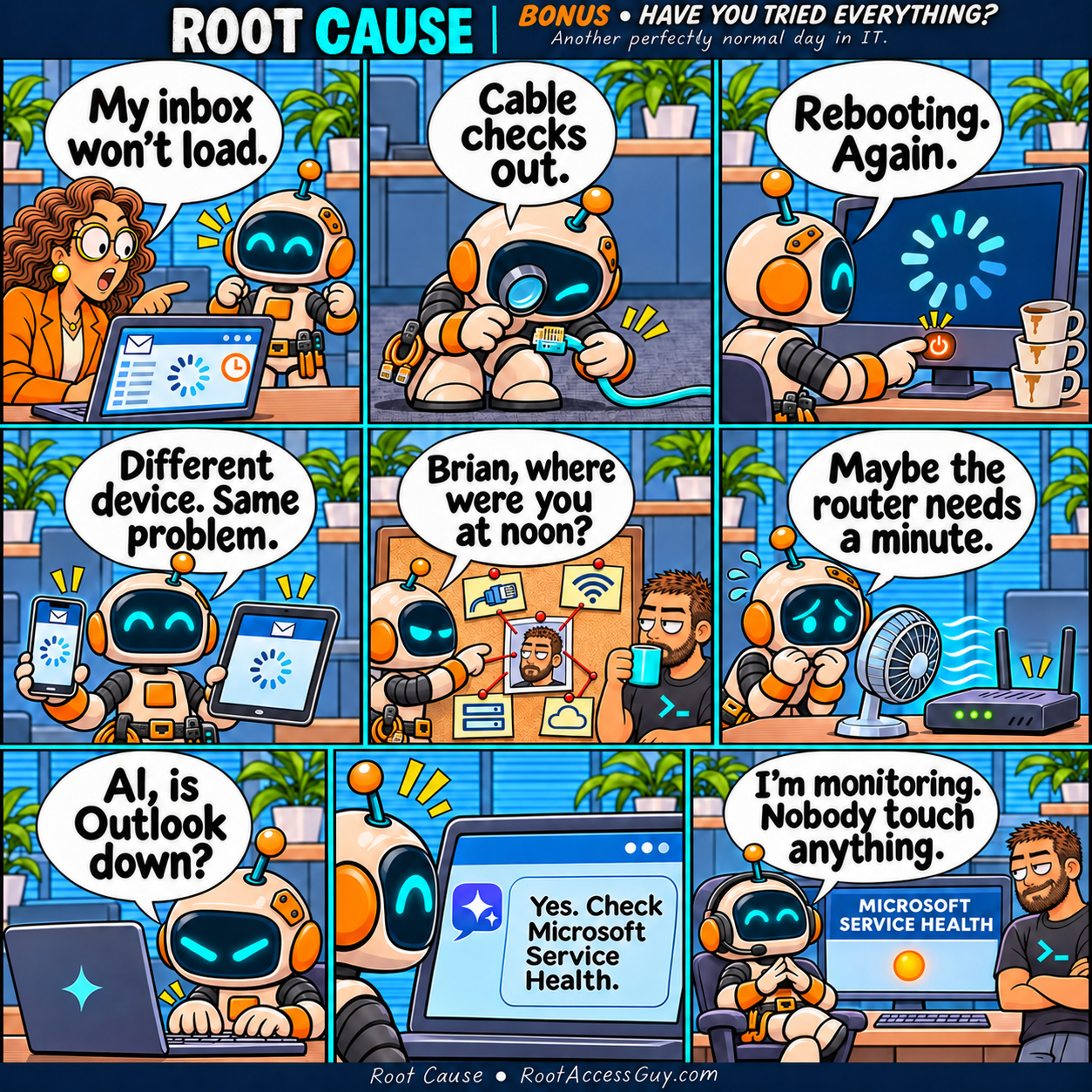
The Manager can’t load her Outlook inbox. Patch works through the cable, the reboot button and a surprisingly elaborate theory about Brian before checking who actually runs the service.


Panel 01 / 09
Panel 02 / 09
Panel 03 / 09
Panel 04 / 09
Panel 05 / 09
Panel 06 / 09
Panel 07 / 09
Panel 08 / 09
Panel 09 / 09
Read the transcript
Panel 1. The Manager points to a frozen inbox while Patch listens. The Manager: “My inbox won’t load.”
Panel 2. Patch inspects an Ethernet connector through a loupe. Patch: “Cable checks out.”
Panel 3. Patch presses the power button beside a stack of coffee cups. Patch: “Rebooting. Again.”
Panel 4. Patch holds up a phone and tablet with the same stuck inbox. Patch: “Different device. Same problem.”
Panel 5. Patch pins red thread to a corkboard with Brian’s photo at its center. Patch: “Brian, where were you at noon?”
Panel 6. Patch aims a desk fan at the router. Patch: “Maybe the router needs a minute.”
Panel 7. Patch types a question into an AI chat. Patch: “AI, is Outlook down?”
Panel 8. Patch reads the reply on his screen. AI: “Yes. Check Microsoft Service Health.”
Panel 9. Patch puts on a headset and watches the Microsoft Service Health dashboard. Brian looks on. Patch: “I’m monitoring. Nobody touch anything.”
Meet the regulars
Brian
Solves infrastructure. Still waiting on requirements.
The Manager
Sees the possibility. Occasionally, the scope.
Patch
Helpful. Literal. Technically followed instructions.